Email Security
✉️ Email Security
Identity Email Security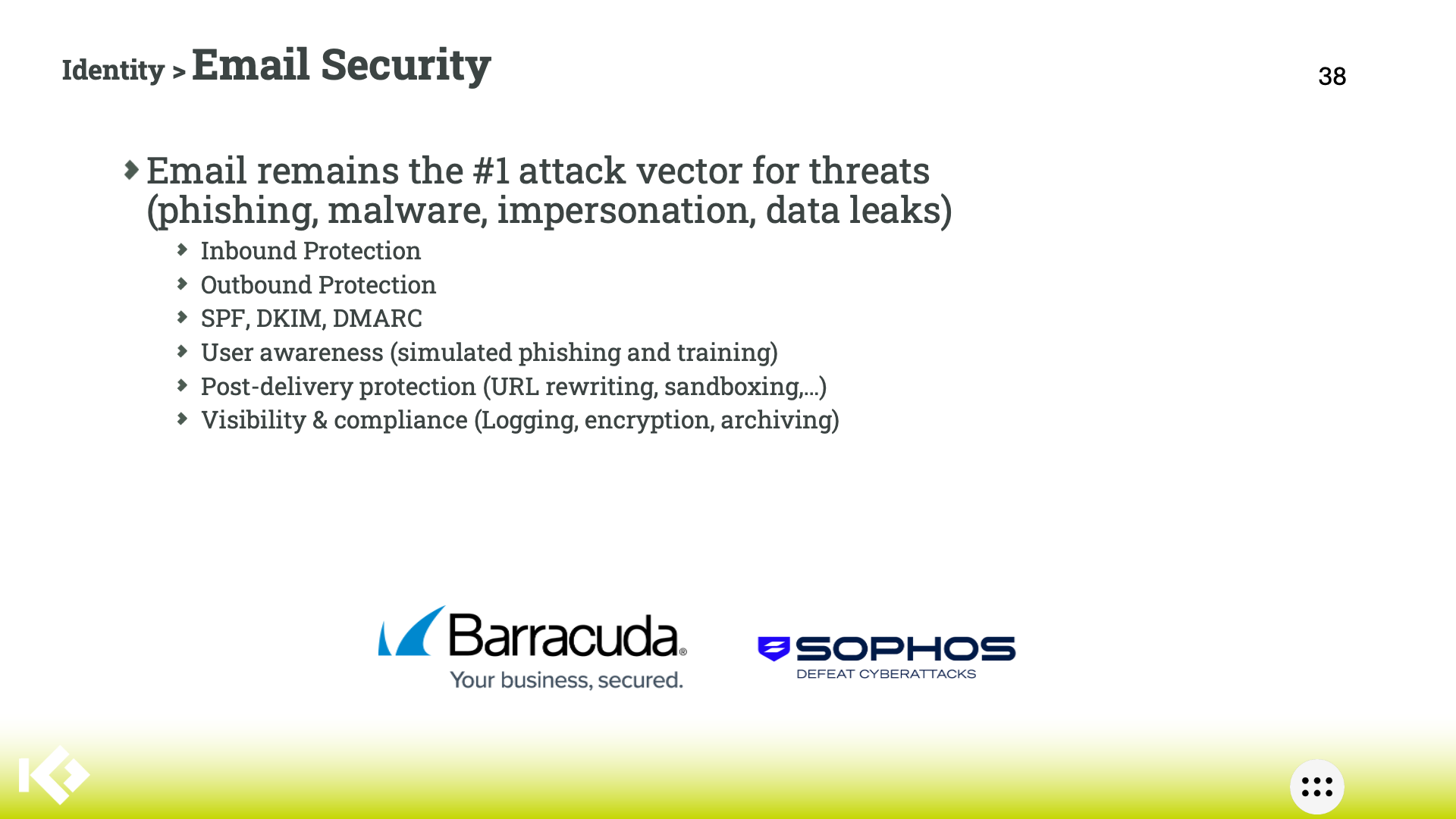
Email security protects email communications from threats like phishing, malware, spam and unauthorized access through layered defenses including filtering, encryption and authentication protocols. It maintains confidentiality, integrity, and availability of messages while blocking malicious content
Why is it so important?
Email serves as a primary attack vector, with over 90% of breaches starting via email-based threats like phishing and ransomware. Without robust protection, businesses face data braches, financial losses, regulatory non-compliance, and reputational damage, as cybercriminals exploit it for credential theft and lateral movement. Advanced attacks often evade basic filters, making specialized security essential for minimizing dwell time and preventing widespread compromise.
Positioning Overview
Target small-to-medium busineses (SMBs) and enterprises handling sensitive data, as SMBs face for times more attacks than larger firms due to limited resources and awareness gaps. Position it for regulated sectors like finance, helathcare and professional services needing compliance, plus any organization with remote workers or high email volumes vulnerable to Business Email Compromise and zero-day threats.
Microsoft 365 Business Premium includes Exchange Online Protection (EOP) for basic spam and malware filtering, but it misses about 20% of phishing via signature-based detection alone, lacking advanced AI, behavioral analysis, or zero-hour responses for sophisticated attacks. Specialized email security adds URL detonation, account takeover prevention, and gateway bypass protection, filling gaps in EOP against evolving threats like hyper-personalized phishing.
Specifics
Inbound vs Outbound protection
Inbound protection scans incoming emails for phishing, malware, spam and attachments to block external threats before they reach users. Outbound protection prevents data leaks, enforces content policies via DLP, and stops compromised accounts from sending malicious emails, preserving sender reputation.
Inbound protection is quite common, outbound protection less. Outbound protection watches emails leaving your company, like a guard at the exit door. It scans for accidental leaks of credit card numbers or secrets, blocks hacked accounts from mass-spamming, and keeps your company's email reputation clean so you real messages don't get called spam.
Authentication Protocols
- SPF verifies authorized sending servers by checking IP against DNS records to prevent IP spoofing. Think of SPF as a "do not disturb" list for your domain posted publicly online. It tells other email systems which specific computers (servers) are allowed to send emails pretending to be from your company, so crooks can't use random machines to fake your address and trick people.
- DKIM adds cryptographic signatures to emails for integrity and origin validation. It is like a tamper-proof wax seal on a letter from the old days. Your server secretly stamps each outgoing email with a special digital code (using a private key), and receivers check it against a public code online to confirm nobody changed the message along the way or forged it.
- DMARC builds on both by setting policies like quarantine or reject for failures, reducing domain abuse. DMARC acts as the boxx that combines SPF and DKIM, plus gives strict orders like "throw away fakes", or "flag them as junk". It checks if the sender matches your domain exactly and sends you reports on bad attempts, so you know when someone's trying to impersonate you.
User Awareness
Training simulates phishing attacks to teach recognition of threats like Business Email Compromise and impersonation, tracking metrics to identify risky behaviors and improve resposne. Regular modules build habits for reporting suspicious emails, mitigating the human error factor in 90% of breaches
Post-Delivery Protection
- URL rewriting replaces links with proxies that scan destinations at click-time in sandboxes, blocking malicious payloads post-inbox. It swaps dangerous links in emails with safe "middleman" versions. When you click, it first checks the real destination for tricks (like viruses), only letting you through if it's clean, stopping traps even after the email lands in your inbox.
- Sandboxing detonates attachments or links in isolated environments to detect zero-days missed by perimeter filters. Imagine a locked playroom where suspicious email attachments or links get opened alone by a robot. If they explode with malware or do bad things inside this isolated "sandbox", it is caught and blocked before it ever touches your real computer.
Visibility and Compliance
- Logging captures all email events for forensics and audits, while encryption secures data in transit and at rest.
- Archiving preserves messages immutably with retention policies, e-discovery and access controls to meet regulations. Archiving saves perfect copies of all your emails forever in a secure vault you control. It's like a time machine for finding old messages fast during audits or lawsuits, with rules to keep them private and unchanged for laws like data privacy rules.